
How do you migrate from WordPress to Webflow without losing SEO?
Plan a WordPress to Webflow migration without losing rankings. Compare costs, timelines, redirects, and the steps needed to protect your SEO.
Use AI to summarize this article
Key takeaways
You can move from WordPress to Webflow without losing rankings, but only if you treat the migration as an SEO project, not a design project.
The three things that protect your traffic:
- Complete URL audit before you build
- 301 redirect map covering every indexed page that goes live the moment you launch
- Metadata recreated by hand (titles, descriptions, canonicals, Open Graph, schema).
A typical marketing site takes 4 to 10 weeks and costs roughly $5,000 to $15,000 for a migration, or $15,000 to $50,000+ if you redesign at the same time. Done with discipline, most teams hold their rankings and many improve them within 3 to 6 months thanks to faster load times and cleaner code.
Why marketing teams leave WordPress
Most teams do not leave WordPress because they dislike it. They leave because the website has started taxing growth instead of enabling it. A plugin breaks before a campaign. A simple copy change needs a developer ticket. Security patches and PHP updates pile up. Page speed slips as plugins accumulate. The marketing team waits on engineering for work that should take twenty minutes.
That is the real trigger: not design, but operational drag. When your website is an active marketing asset (where you publish, test, and convert) the cost of that drag compounds every week. Webflow appeals to these teams because it folds hosting, security, the CMS, and performance into one managed platform, so marketers can publish and iterate without filing tickets.
A useful gut check: count how many hours your team spent last quarter waiting on developer changes to the marketing site. If that number is uncomfortable, the platform is the problem, not your team.
Will I lose my SEO rankings?
This is the question that stops most migrations, and the honest answer is: only if the migration is done carelessly. Rankings are lost through execution mistakes, not because of Webflow itself.
The risk is real and worth respecting. According to Ahrefs research, sites that migrate URLs without proper 301 redirects lose on average around 38% of their organic traffic within 30 days, and roughly a quarter of that loss becomes permanent. Moz's analysis shows a correctly configured 301 redirect preserves 90 to 99% of a page's link equity, while a 404 or a botched redirect loses all of it. The stakes sit on a small technical detail. Redirects are one piece of a healthy setup. Our complete Webflow SEO guide covers the rest.
The risk areas are predictable, which is exactly why they are manageable:
- URL structure changes. WordPress and Webflow handle URLs differently (WordPress often uses category prefixes or date-based permalinks; Webflow CMS produces cleaner paths). Any indexed URL that changes without a redirect is treated as a brand-new page, and the old ranking signals are lost.
- Metadata loss. Title tags, meta descriptions, canonicals, and Open Graph tags stored in Yoast or Rank Math do not transfer automatically. If they vanish, Google re-indexes pages with auto-generated metadata and click-through rates can drop 20 to 40% even when rankings hold.
- Schema loss. Article, Organization, and Breadcrumb markup must be rebuilt in Webflow.
- Internal links and sitemaps. Hardcoded absolute links break if destinations change, and the new sitemap must be submitted to Google Search Console at launch.
A founder once renamed a handful of pages during a quick rebrand, published, and watched organic traffic fall about 40% in two weeks because the old URLs still ranked and now led to 404s. A ten-minute redirect setup would have prevented all of it. The lesson: redirects are not a launch-day afterthought, they are the plan.
WordPress vs Webflow: an honest comparison
Neither platform is universally better. The right answer depends on your team, your content operation, and whether the website is a growth asset or a low-change brochure. We go deeper on this in our honest Webflow vs WordPress comparison, but here is the short version.
The pattern across honest 2026 comparisons: WordPress wins for maximum flexibility, huge plugin needs, and very large ecom operations. Webflow wins for design control, operational simplicity, default performance, and marketing-team independence. For 80 to 90% of B2B and SaaS marketing sites, Webflow is the stronger fit. WordPress keeps the edge for content machines with thousands of posts and complex taxonomies, deep custom application behavior, or membership/LMS systems.
How the migration actually works, phase by phase
A good migration is a structured project, not a copy-paste. Here is the shape of it.
The 301 redirect strategy that protects your traffic
This is the section that proves competence, so it is worth doing properly.
- Export every URL. Crawl the live WordPress site (Screaming Frog or Sitebulb) and export the full list. Add Search Console top pages so nothing high-value is missed.
- Map old to new, one to one. For posts, the mapping is usually direct (old slug to new CMS slug). For category and tag pages, map to the closest Webflow equivalent or consolidate to the blog index. One old URL points to one new URL. Never redirect everything to the homepage.
- Set the redirects in Webflow. Configure them in Site Settings under Publishing / Hosting. Webflow supports bulk import from CSV. Keep total redirects manageable (Webflow stores them in the site manifest and recommends staying under a few thousand; use wildcard patterns to consolidate consistent URL structures).
- Avoid chains and loops. Each extra hop adds latency and bleeds clarity. A clean single-hop 301 preserves crawl efficiency and link equity.
- Recreate metadata and schema. Title, description, canonical, and Open Graph image for every page, plus Article, Organization, and Breadcrumb schema.
- Test every redirect on staging, then re-crawl after launch to confirm each old URL returns a 301 to the right destination.
- Submit the sitemap to Search Console immediately at go-live and request indexing for your most important pages.
Keep the same URL wherever you reasonably can. The cleanest redirect is the one you did not need. Only change a URL when there is a real business reason.
What it costs
Pricing varies by site size, content volume, and whether you redesign at the same time. Honest, current ranges:
For context on total cost of ownership: WordPress hosting plus premium plugins plus developer maintenance typically runs higher over a 2-year horizon than Webflow's all-in pricing, even though WordPress looks cheaper on day one. Webflow simplified its plans in May 2026 into a single Premium Site plan (about $25/month billed annually) that bundles 20,000 CMS items, which covers the vast majority of marketing-site blog archives.
How long it takes
- Simple migration (under ~10 pages, content ready, light redesign): about 4 weeks.
- Typical B2B marketing site (20 to 50 pages, blog, basic CMS): 4 to 10 weeks; 6 to 9 weeks is the common landing zone.
- Larger sites (100+ pages) or migration plus full redesign: 10 to 16 weeks.
The biggest cause of delay is rarely the build. It is internal: content that is not ready, scattered across drives and Figma files, and slow review cycles. Getting your final content into one approved place before the build starts is the single most effective thing you can do to protect the launch date.
Rebuild, do not re-migrate: the anti-replatform case
Here is the strategic point most migration guides miss. Many teams have been on a replatforming treadmill: a new CMS every couple of years, each move costing content-migration debt, integration rebuilds, retraining, and a few months of SEO turbulence. The pain is not the platform. It is the recurring full migration.
The better model is to rebuild your site properly once, on a platform built for marketing teams to evolve it themselves, and then iterate instead of re-migrating. Webflow's value here is not just the move; it is what the move ends: the dependency loop. When marketers can ship pages, run tests, and update content without a developer, you stop accumulating the technical debt that forces the next replatform. A rebuild is an investment in not having this conversation again in eighteen months.
That is the lens to bring to your decision. Do not ask "which platform should we jump to next?" Ask "how do we build a foundation we can keep improving without starting over?"
We break this decision down in rebuild vs replatform vs redesign.
WordPress to Webflow for SaaS, fintech, and healthtech teams
If your website is part of your go-to-market motion, three things matter most, and they are exactly where Webflow earns its place:
- Velocity. Marketing ships landing pages and experiments without a dev sprint. For a SaaS or fintech team where growth depends on iteration speed, this is the headline benefit.
- Performance on paid traffic. Clean code and a global CDN mean strong Core Web Vitals, which protects conversion rates on expensive acquisition traffic.
- Security and compliance posture. Managed hosting on AWS with automatic SSL and no plugin attack surface is easier to defend in a regulated context than a plugin-heavy WordPress stack. For healthtech and fintech, fewer moving parts is a feature.
The edge cases where you should pause: deeply custom integrations with legacy systems, membership/LMS logic, or content archives in the tens of thousands of items. In those cases, scope carefully or keep WordPress for the part that genuinely needs it.
FAQ

Stefan Velikov is the founder of Agota Studio, a Webflow Premium Partner. He has helped 30+ teams across SaaS, fintech and B2B build Webflow sites their marketing teams can run and scale.
Let’s talk about what your website needs
Book a call with Stefan to talk through your project, explore what your website needs, and see how Agota Studio can help.
Custom Webflow sites we built to scale with the marketing team
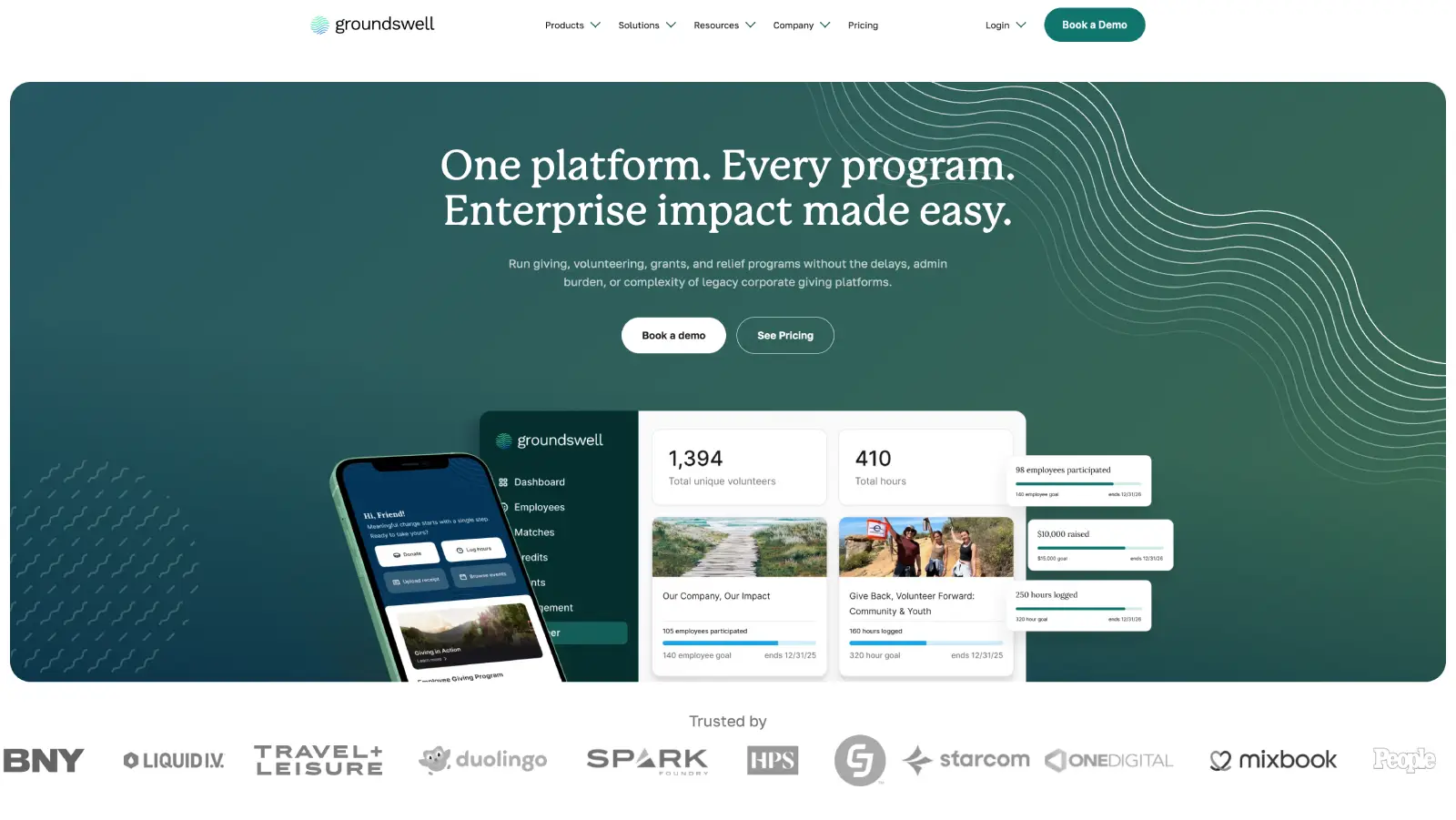
Groundswell: A rebuild the marketing team runs solo
What we achieved:
Marketing team now publishes 90% of pages without developer involvement.
Modular component library that scales as new campaigns launch.
Ongoing Webflow partnership.
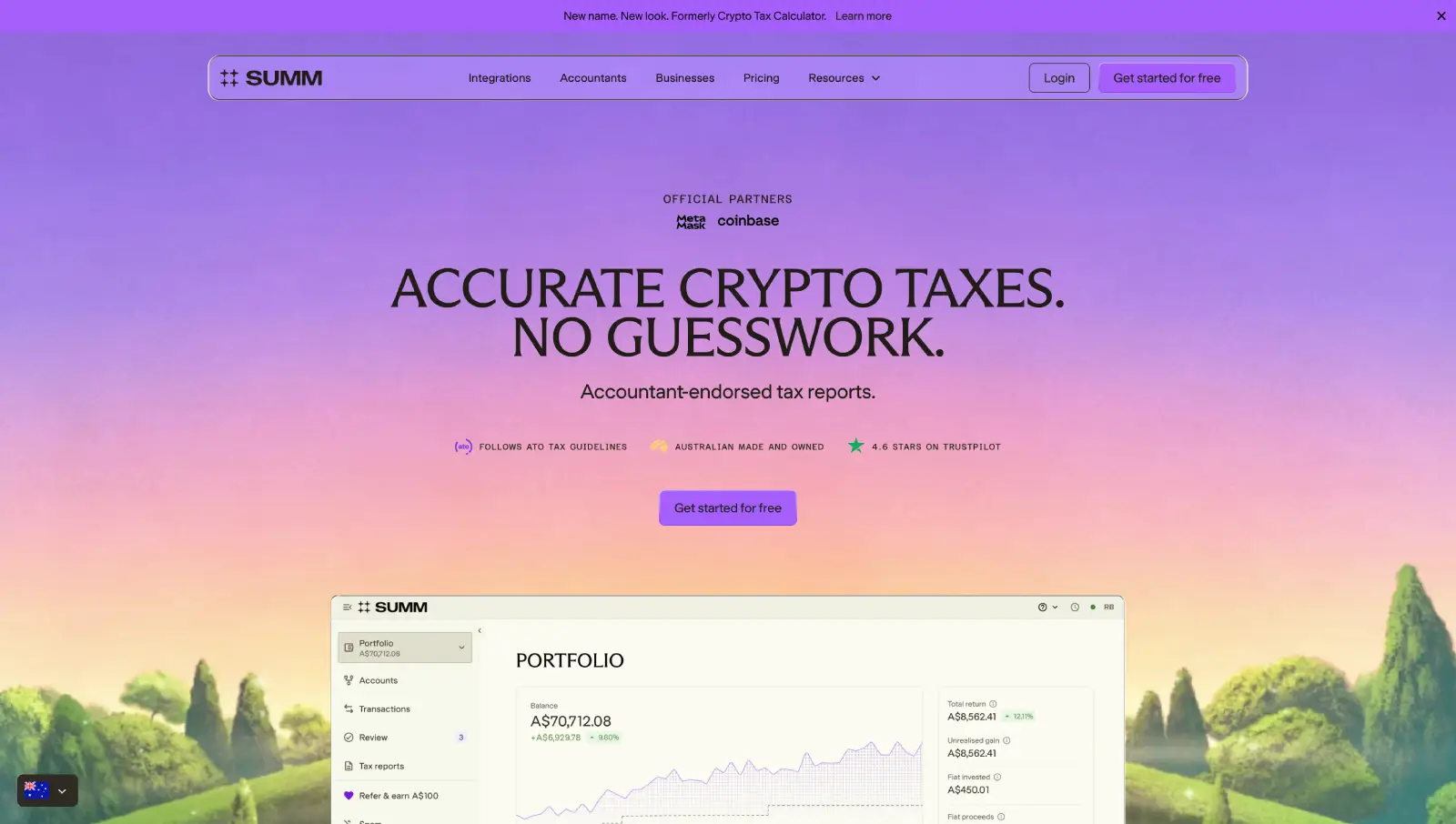
Building Australia's Top Crypto Tax Website
What we achieved:
Rebuilt the site for 25+ locales on a modular Webflow system.
Developed reusable page systems to accelerate new launches.
Partnered long-term to evolve the website alongside company growth.
Question
Text