
Webflow SEO: The Complete 2026 Guide
A practical 2026 guide to Webflow SEO for marketing teams: technical foundations, on-page, Core Web Vitals, CMS architecture, schema, and getting cited by AI search.
Use AI to summarize this article
Key takeaways
- Webflow is a strong SEO platform in 2026, especially for marketing websites that need clean structure, fast publishing, and fewer plugin dependencies.
- It handles many technical SEO basics out of the box, including clean code, SEO fields, canonical tags, sitemaps, alt text, and 301 redirects.
- The parts that still need proper setup are Core Web Vitals, CMS structure, custom schema, content strategy, and authority building.
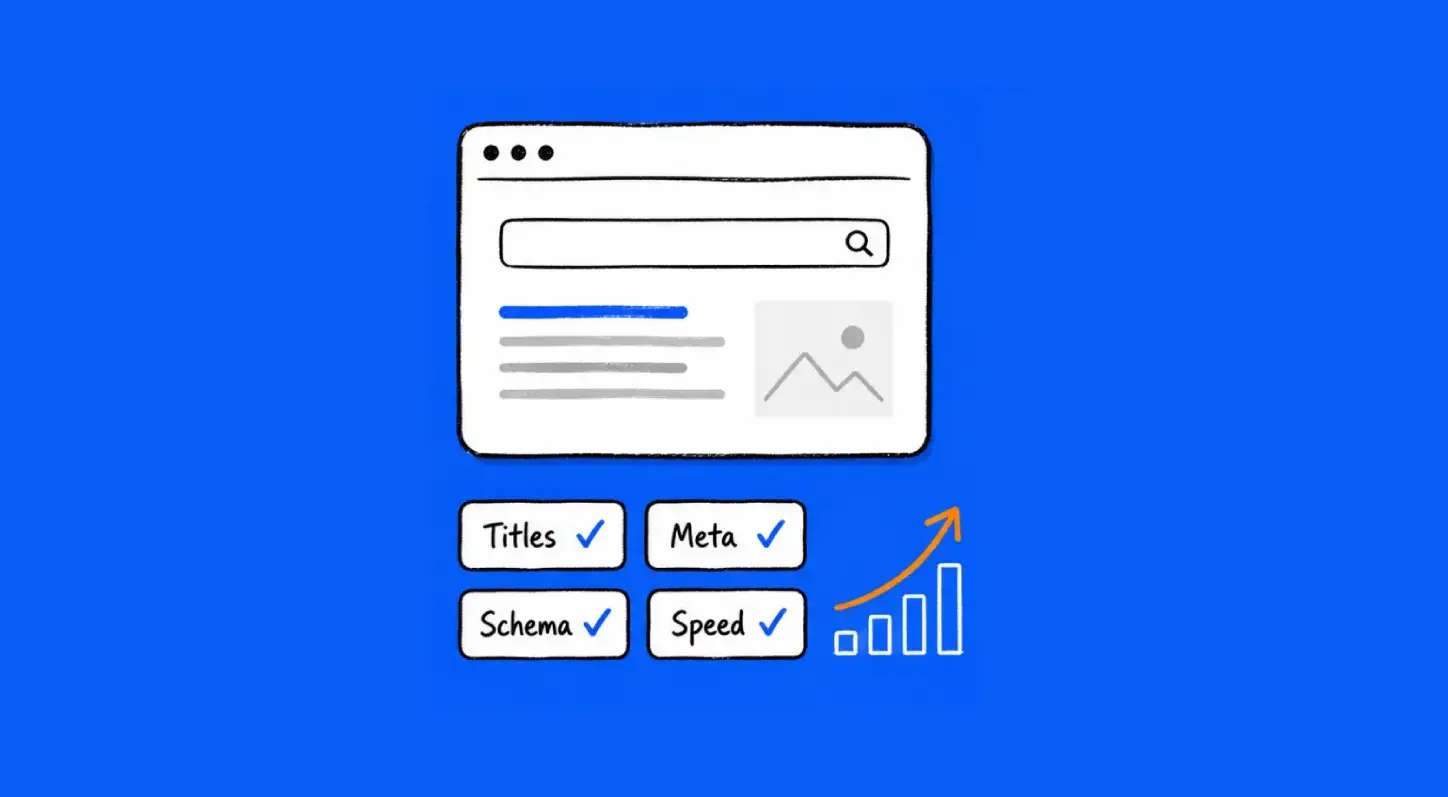
- This article gives an overview of Webflow SEO, including technical SEO, on-page basics, performance, CMS architecture, schema, and AI search visibility.
- Webflow gives you the foundation, but rankings still depend on how well you use it.
Is Webflow good for SEO?
Yes, and the doubt usually comes from confusing "Webflow does not have a Yoast-style plugin" with "Webflow is weak for SEO." Those are different things.
Webflow bakes the SEO foundations into the platform. You get clean, semantic HTML output (no plugin bloat or theme cruft), native fields for the on-page essentials, automatic sitemap generation, simple canonical and redirect controls, and fast, CDN-served hosting. For the large majority of marketing sites, that is a stronger and cleaner starting point than a typical plugin-laden WordPress install.
What Webflow does not do is hand you a plugin that automates everything for you. Some things (advanced schema especially) are more manual. So the honest answer is: Webflow gives you an excellent SEO foundation, and rewards teams that use it with discipline. It does not rank you on autopilot, because nothing does.
Technical foundations (what Webflow handles for you)
The technical layer is where Webflow quietly does a lot of the work.
- Clean semantic code. Webflow outputs structured, standards-based HTML. Clean markup is easier for search engines to crawl and parse, and it avoids the script and database bloat that accumulates on plugin-heavy sites.
- Managed, fast hosting. Sites are served on AWS infrastructure through a global CDN with automatic SSL. Speed and reliability are part of the platform, not something you assemble.
- Automatic sitemaps. Webflow generates and updates your XML sitemap; submit it to Google Search Console and you are set.
- Canonical tags and redirects. Canonicals are controllable, and 301 redirects are simple to set in site settings (essential for any migration or URL change).
- Clean, controllable URLs. You control slugs and structure directly.
This foundation is the reason a well-built Webflow site tends to be technically healthy without much ongoing intervention.
On-page SEO in Webflow
The on-page essentials are all native fields, no plugin required.
- Title tags and meta descriptions: set per page and per CMS template, and you can bind them to CMS fields so every blog post or case study generates its own.
- Heading hierarchy: use one H1 per page and a logical H2/H3 structure. Webflow gives you full control; the discipline is on you.
- Image alt text: set on every meaningful image, both for accessibility and image search.
- Open Graph settings: control how pages appear when shared.
- Clean slugs: keep URLs readable and keyword-relevant.
For CMS-driven content, set the SEO fields at the template level and bind them to Collection fields, so the whole blog or resource library inherits correct, unique metadata automatically.
Site speed and Core Web Vitals
Core Web Vitals are Google's measure of real-world page experience, and they matter for both ranking signals and conversion. The three current thresholds to hit (the "good" bar): Largest Contentful Paint (LCP) at 2.5 seconds or less, Interaction to Next Paint (INP) at 200 milliseconds or less, and Cumulative Layout Shift (CLS) at 0.1 or less. INP replaced First Input Delay as a Core Web Vital in 2024, and it is the one many sites still struggle with.
Webflow gives you a strong head start: clean code and CDN hosting mean a well-built Webflow site often passes Core Web Vitals with far less effort than a comparable WordPress site. But "often" is not "always." Large unoptimized images, heavy third-party scripts, and excessive custom code can still drag a Webflow site below the thresholds. The optimization work (right-sizing images, using Webflow's native lazy loading and responsive images, limiting third-party scripts, deferring non-critical code) is real and worth doing.
Performance is not just an SEO checkbox; it is money. Google's "Milliseconds Make Millions" research (commissioned by Google, run by Deloitte) found that improving mobile site speed by just 0.1 seconds lifted retail conversions by 8.4% and travel conversions by 10.1%. For a marketing site running paid traffic, speed directly affects what that traffic is worth. (A dedicated guide on optimizing Core Web Vitals on Webflow is coming.)
CMS and content architecture for SEO
How you structure your Webflow CMS shapes how well your content scales for SEO.
The fundamentals: model your content into clean Collections (blog posts, case studies, authors, categories) rather than hardcoding pages; bind SEO fields to Collection fields so metadata scales automatically; build a logical URL and category structure (your blog posts at one path, category hubs at another, see our note on URL structure); and design for internal linking, so related content connects and topical clusters form. This matters most for a fast-growing SaaS content operation, where the library expands quickly
A well-architected CMS is what lets a small team publish a large, well-organized, SEO-healthy content library without it turning into a tangle. A badly architected one becomes the reason a site "needs replatforming" in two years. (Deeper guide on Webflow CMS architecture coming as a spoke post.)
Schema markup (structured data)
Schema (structured data) helps search engines and AI engines understand what your content is. It is the area where Webflow is more manual than a plugin-driven platform, and therefore where there is the most opportunity to do better than the average Webflow site.
Webflow does not auto-generate schema. You add JSON-LD via custom code, at the page level or bound to CMS fields via an embed, so each post generates its own structured data. The schema that matters for a blog in 2026: Article/BlogPosting, BreadcrumbList, Organization, and Author/Person. Add FAQPage where you have genuine Q&A.
One important 2026 update: Google deprecated FAQ rich results on May 7, 2026 (the expandable Q&A panel no longer appears in search), but FAQPage schema remains a valid Schema.org type, Google still uses it to understand pages, and AI retrieval bots still read it. So keep your FAQ schema; just do not expect a SERP feature from it. (Full how-to in our schema-in-Webflow and FAQ-schema spoke posts.)
SEO for AI search: AEO and GEO
A growing share of discovery now happens inside AI answer engines (ChatGPT, Perplexity, Google AI Overviews, Gemini), and optimizing to be cited by them is its own discipline: Answer Engine Optimization (AEO) and Generative Engine Optimization (GEO).
The signals that help, based on the available research, overlap heavily with good SEO but emphasize structure and evidence. Princeton-led research on GEO (Aggarwal et al., presented at KDD 2024) found that adding citations, quotations, and statistics to content boosted its visibility in generative engines by up to 40%, and up to 37% on Perplexity. Practically, that means: answer the question directly and early (the first chunk of a page does most of the citation work), use clear question-form headings, include extractable elements (tables, short lists, stat blocks), cite real data and name sources, keep a named credentialed author, and keep content fresh.
Webflow's clean structure is an asset here. A well-built, schema-rich, fast Webflow page is exactly the kind of source these engines find easy to parse and cite. (Dedicated AEO/GEO-for-Webflow guide coming.)
Common Webflow SEO mistakes (and fixes)
- Leaving the default webflow.io subdomain indexable on a staging site, creating duplicate content. Fix: disable indexing on staging, canonical to production.
- Missing or duplicate meta titles/descriptions across CMS items. Fix: bind SEO fields to Collection fields so each is unique.
- No schema at all. Fix: add Article, Breadcrumb, Organization, and Author JSON-LD.
- Unoptimized images tanking LCP. Fix: use Webflow's responsive images and lazy loading, and right-size before upload.
- Skipping the 301 redirect map during a rebuild or migration, losing rankings. Fix: map every old URL before launch.
- Heading hierarchy used for styling, not structure (multiple H1s, skipped levels). Fix: one H1, logical H2/H3.
FAQ

Stefan Velikov is the founder of Agota Studio, a Webflow Premium Partner. He has helped 30+ teams across SaaS, fintech and B2B build Webflow sites their marketing teams can run and scale.
Let’s talk about what your website needs
Book a call with Stefan to talk through your project, explore what your website needs, and see how Agota Studio can help.
Custom Webflow sites we built to scale with the marketing team
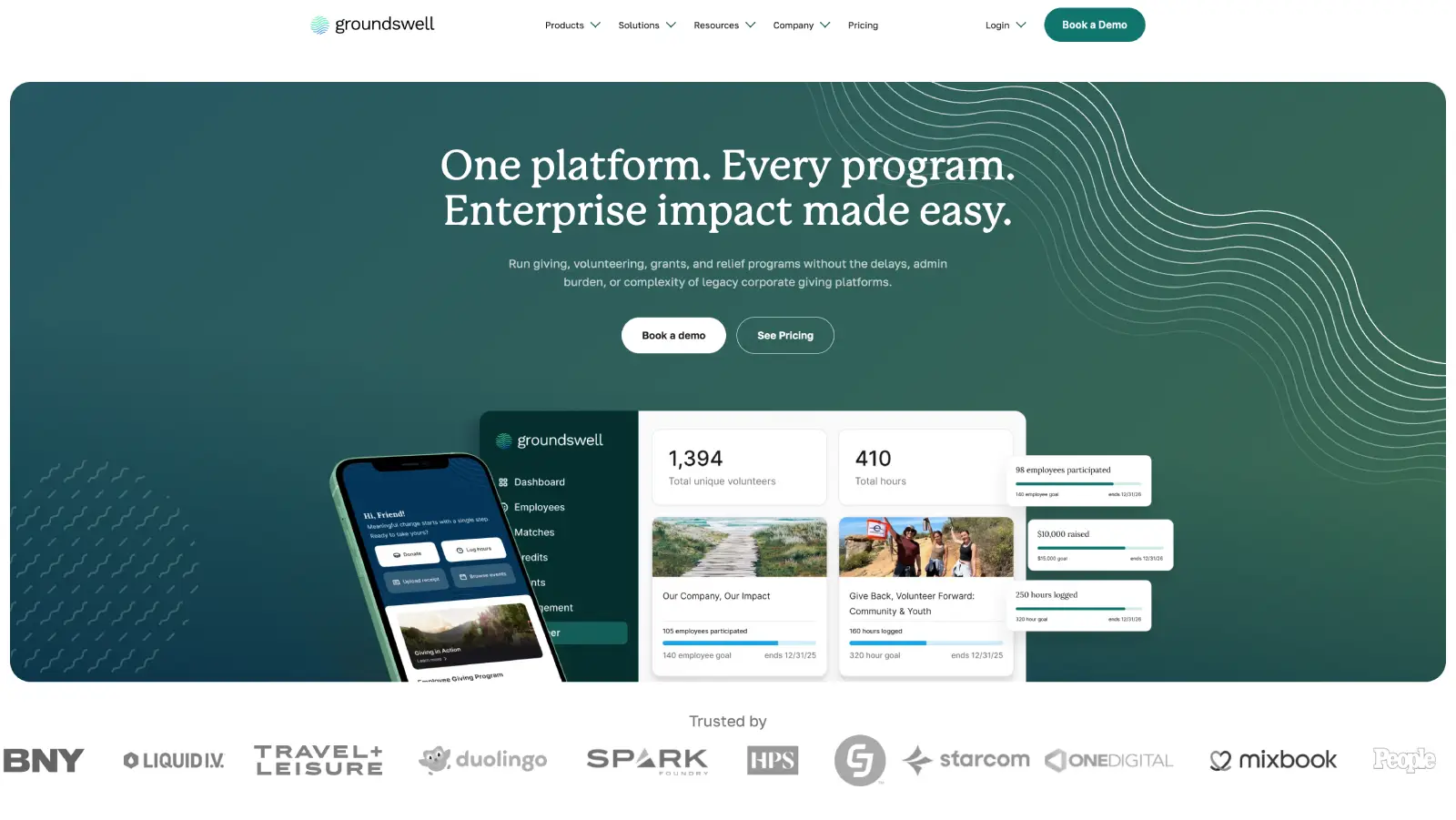
Groundswell: A rebuild the marketing team runs solo
What we achieved:
Marketing team now publishes 90% of pages without developer involvement.
Modular component library that scales as new campaigns launch.
Ongoing Webflow partnership.
Building Australia's Top Crypto Tax Website
What we achieved:
Rebuilt the site for 25+ locales on a modular Webflow system.
Developed reusable page systems to accelerate new launches.
Partnered long-term to evolve the website alongside company growth.

Question
Text