
How Long Does a WordPress to Webflow Migration Take?
See how long a WordPress to Webflow migration takes by site type, with a phase-by-phase timeline and the common causes of delays.
Use AI to summarize this article
Key takeaways
A WordPress to Webflow migration typically takes 4 to 10 weeks from signed brief to launch. The range depends far less on the build than most buyers expect.
- A small, like-for-like site (under 30 pages, content ready) can go live in 2 to 4 weeks. A typical B2B marketing site (20 to 50 pages with a blog and a couple of integrations) lands at 4 to 10 weeks. A large site (100+ pages) or one that includes a redesign runs 10 to 16 weeks or more.
- The bottleneck is almost never the Webflow build. It is content readiness, slow review and approval cycles, scattered source files, and scope creep. Agencies report builds finished in week 4 that did not launch until week 9 because feedback arrived in batches.
- The three things that move your launch date most are within your control: have content ready before the build starts, name one decision-maker, and freeze scope at kickoff.
If you only read this far: budget 6 to 8 weeks for a straight migration of a normal marketing site, and add 4 to 10 weeks if you are redesigning at the same time. Anything promising a complex, unprepared site in three weeks is either using a template or planning to cut corners on SEO, QA, or strategy.
This is the planning question, not the platform question. We cover the platform tradeoffs in Webflow vs WordPress and the money question in WordPress to Webflow migration cost. This piece is about time: where it goes, what slows it down, and how to protect your launch date.
A note on our bias here: most timeline figures published online, including ours, are agency-self-reported. We have flagged where numbers come from independent research versus agency experience, and we recommend you ask any vendor for their own data before signing.
Timeline by site type
These ranges synthesize published figures from multiple Webflow migration specialists in 2025 and 2026. They assume a reasonably clean source site, agreed scope, and feedback returned within 2 to 3 business days per review round. Slower feedback or content arriving mid-build typically adds 2 to 4 weeks.
A few honest caveats on these ranges. They cover migration only. A redesign running alongside the migration adds 4 to 10 weeks depending on scope. The figures are agency-reported, not independently audited, and they cluster because most reputable agencies see the same patterns, not because anyone has published a controlled study. Treat them as planning anchors, not guarantees.
The phase-by-phase timeline
Here is where the time actually goes on a typical 30 to 100 page B2B migration. Phases overlap on purpose: content migration usually starts while templates are still being refined, which keeps the overall timeline tighter.
Tip: Ask your agency to build and test the entire site on a Webflow staging domain (a webflow.io subdomain) before the DNS switch. The DNS change should be the last step, monitored continuously during propagation, never the moment you first see whether things work.
Why migrations run over: the bottleneck is not the build
This is the part most agency pages skip, and it is the single most useful thing a marketing leader can internalize before signing.
The Webflow build is rarely what causes a migration to run long. Delays come from the same three places on almost every project.
Content that is not ready. This is the most common cause of overruns and the easiest to prevent. Content migration cannot start until content exists in a usable form: final copy, approved images sized correctly, video hosted somewhere referenceable, PDFs uploaded and linked. What agencies usually find is content scattered across several Dropbox folders, a couple of Google Drives, an old Figma file, and someone's laptop. Getting it into one place and signed off before the build starts is the single most effective thing you can do for your launch date.
Review cycles that run long. One agency reported a build finished in week 4 that did not launch until week 9, with the entire delay sitting in the review process: too many stakeholders, no clear decision-maker, feedback arriving in batches over two weeks instead of in one round. One round of feedback with a 2 to 3 day turnaround keeps the timeline intact. A second round adds a week. Three rounds adds two to three weeks.
Scope creep. A "quick addition" here, "just one more page" there, a senior stakeholder request nobody wants to push back on. Each feels small. Stack six or seven and the workload doubles while the deadline does not move. Scope creep is widespread: PMI's 2018 Pulse of the Profession found that 52 percent of projects completed in the prior 12 months experienced scope creep or uncontrolled changes to scope, up from 43 percent five years earlier. Website work feels it harder because clients see progress visually and want more. The fix is a written scope with an explicit exclusions list and a change-order process, so a new request becomes a real decision ("that adds X weeks") rather than a silent timeline killer.
Watch out: If an agency treats your migration like a simple export-import job and quotes a flat, suspiciously fast timeline without asking about your content readiness, stakeholder count, or integrations, that is a red flag. The vendors worth hiring scope the project and give you an honest timeline before they start, even when the honest answer is longer than you hoped.
How the redesign decision changes everything
The biggest single lever on your timeline is whether you redesign at the same time as you migrate.
A like-for-like migration (rebuild the existing design faithfully on Webflow, preserve URLs, clean up the CMS) is the fast path. A migration plus redesign (new design system, new information architecture, often new copy) is two projects sharing a timeline.
There is a well-worn piece of agency wisdom here: migrate first, iterate later. Get onto Webflow as it is (faster and cleaner under the hood), stabilize, then start improving design and conversion once you are on the new platform. This is the heart of the anti-replatform thesis we hold at Agota: a website is a system you rebuild once and then iterate on continuously, not something you rip out and replatform every 18 months. A clean migration plus ongoing iteration beats a giant, risky, redesign-everything-at-once project that drags for a quarter and then sits frozen for two years. (We unpack the strategic choice in Rebuild vs Replatform vs Redesign)
That said, sometimes the redesign is the point: a rebrand, a new positioning, a site that no longer reflects the company. If so, plan for it honestly. One published mid-size case (a software agency rebranding for the MedTech market, WordPress to Webflow, 95 blog posts, full domain change, fixed campaign deadline) ran 14 weeks specifically because the rebrand ran alongside the migration. A straight migration of similar scope, without the redesign, typically runs 6 to 8.
What actually affects your timeline
Six variables explain almost every quote you will see:
- Page count. More pages means more to design, build, populate, and QA. It sets the floor, but it is rarely the biggest variable.
- CMS complexity. A single blog collection is quick. Five or six interrelated collections (case studies, team, integrations, glossary, events) with cross-references take significantly longer to architect. Webflow's CMS also has hard limits worth knowing: the CMS plan caps at 2,000 items and the Premium plan (formerly Business) includes 20,000 items, with the CMS plan limited to 20 collections and each collection limited to 60 fields. That matters for large content libraries. (See our article on Webflow pricing for the full plan breakdown.)
- Number of integrations. A HubSpot form embed is trivial. A full HubSpot or Salesforce integration, plus analytics, plus a custom calculator, is not. Custom JavaScript and PHP-based functionality often need to be rebuilt, and this is the variable most likely to expand once someone looks closely at the source site.
- Redesign vs like-for-like. Covered above. The single biggest lever.
- Content volume and readiness. A 70-page site can have a 200-entry redirect map. Volume matters, but readiness matters more.
- Number of stakeholders and approvers. More voices with equal weight means longer review cycles. A single empowered decision-maker is the cheapest accelerant available.
How to speed up a migration without cutting corners
The fastest migrations share a pattern, and most of it is on the client side:
- Get content ready before the build starts. Final copy, sized images, hosted video, linked PDFs, all in one place, all signed off. This alone can save weeks.
- Create a single source of truth. One shared folder or doc with the final approved assets, not five competing versions across tools.
- Name one decision-maker and a fast review cadence. Commit to reviewing deliverables within 2 to 3 business days. Batch internal feedback into one consolidated round per phase.
- Decide like-for-like vs redesign at kickoff, and freeze it. Mixing the decision midway is how a 6-week project becomes a 14-week one.
- Run a full crawl before kickoff to find every active URL, so orphaned pages do not appear in week two and reset the schedule.
A word on SEO recovery time (set expectations early)
There is an important distinction between how long the migration project takes and how long SEO takes to settle afterward. These are not the same number.
A well-executed WordPress to Webflow migration that keeps the same domain, with a complete 301 redirect map and transferred metadata, should preserve rankings, with normal short-term fluctuation that stabilizes within weeks. But if your migration also involves a domain change, set expectations carefully. Search Engine Journal's 2024 study "How Long Should An SEO Migration Take?" by Dan Taylor, expanded from 171 migrations (a 229-day average, with 42 percent never recovering in 2023) to 892 migrations, found it took an average of 523 days for the new domain to match the old domain's organic traffic, with 17 percent never recovering even after 1,000 days. That research is about domain changes measured by third-party tools, not same-domain CMS swaps, so it is not directly your situation if you keep your domain, but it is the reason a domain change deserves extra planning and monitoring. We go deep on this in the Webflow SEO guide. (If you are still weighing whether the move is worth it at all, Why Webflow for SaaS makes the case for marketing-led teams.)

Stefan Velikov is the founder of Agota Studio, a Webflow Premium Partner. He has helped 30+ teams across SaaS, fintech and B2B build Webflow sites their marketing teams can run and scale.
Let’s talk about what your website needs
Book a call with Stefan to talk through your project, explore what your website needs, and see how Agota Studio can help.
Custom Webflow sites we built to scale with the marketing team
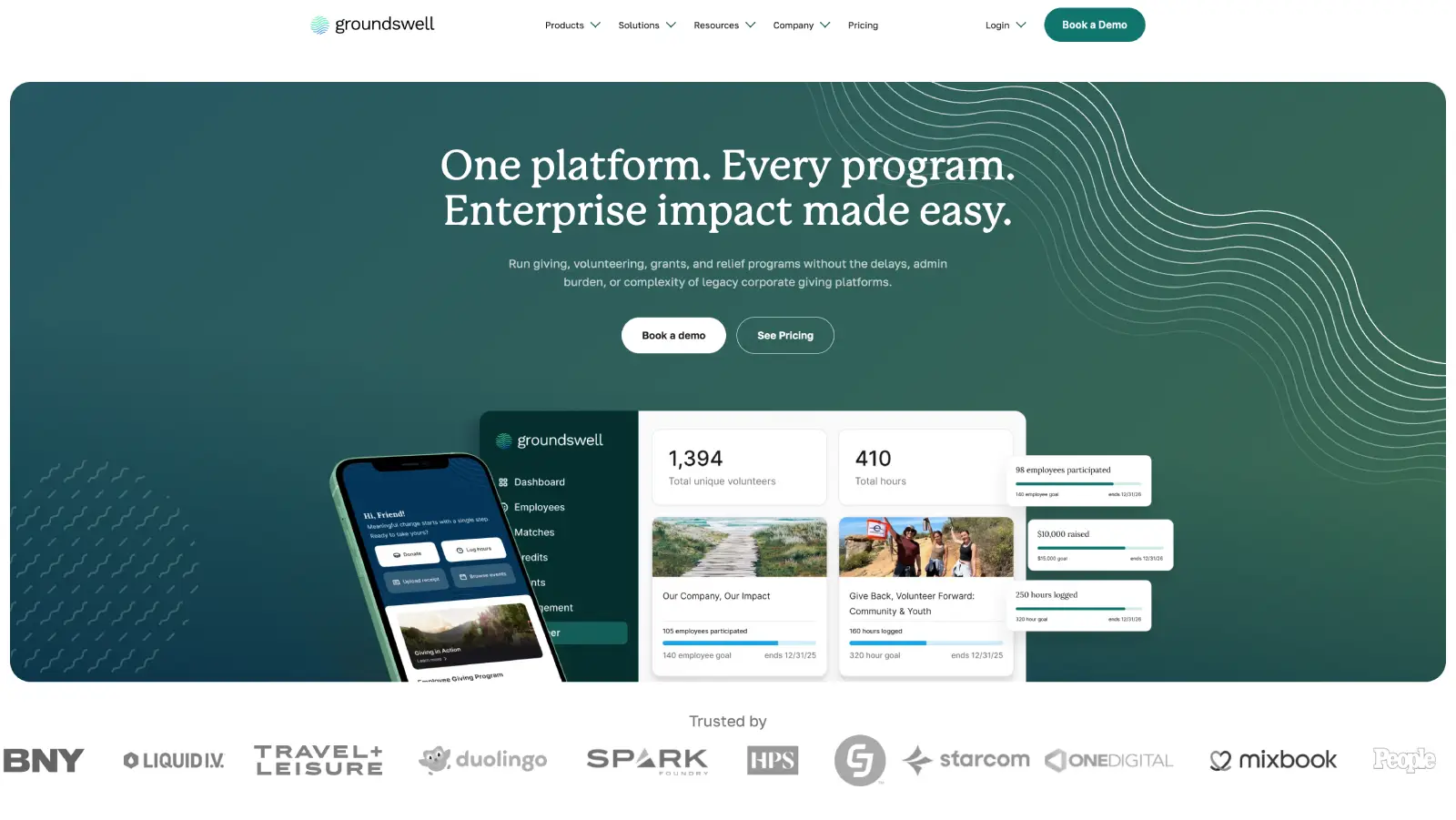
Groundswell: A rebuild the marketing team runs solo
What we achieved:
Marketing team now publishes 90% of pages without developer involvement.
Modular component library that scales as new campaigns launch.
Ongoing Webflow partnership.
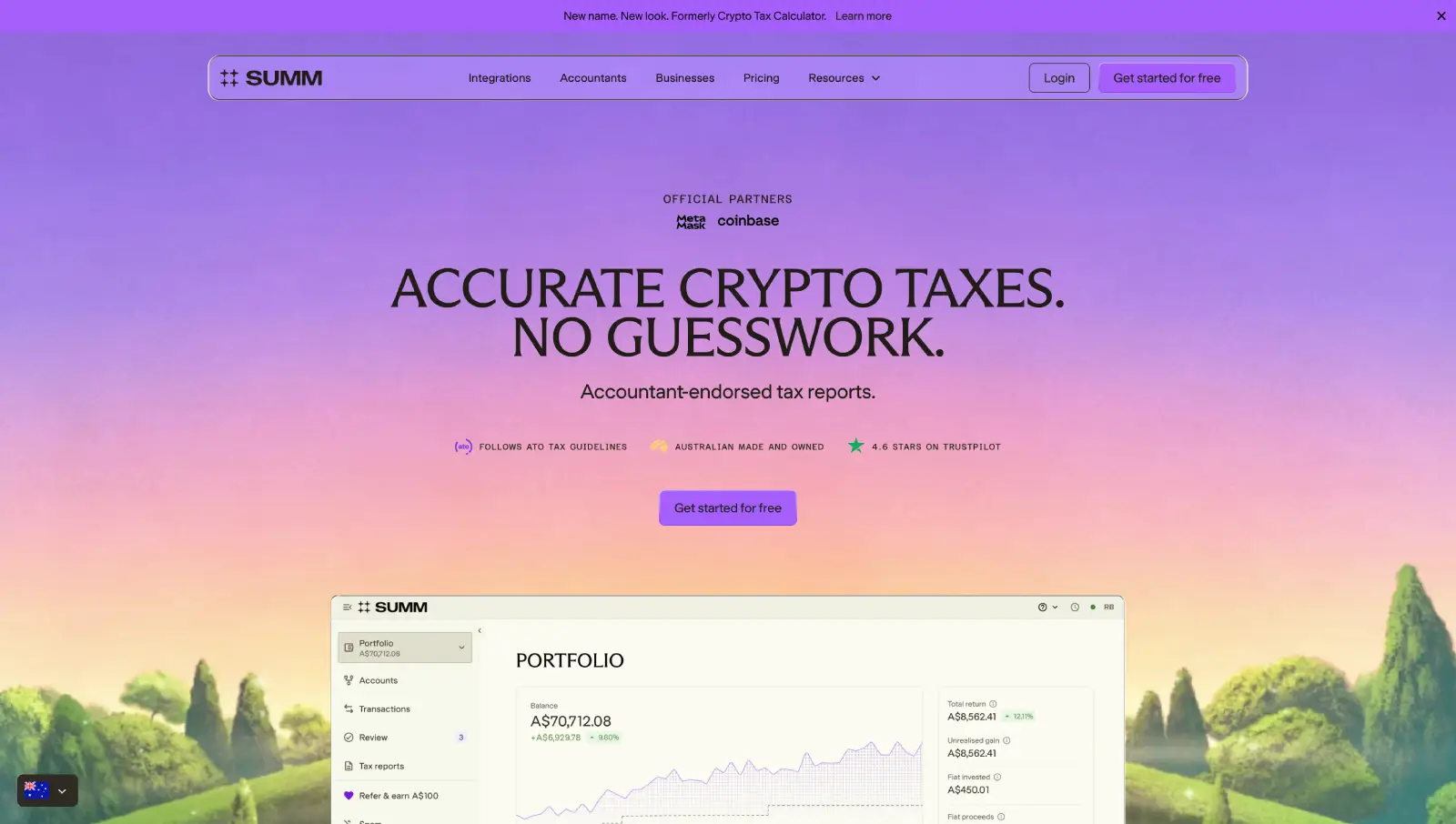
Building Australia's Top Crypto Tax Website
What we achieved:
Rebuilt the site for 25+ locales on a modular Webflow system.
Developed reusable page systems to accelerate new launches.
Partnered long-term to evolve the website alongside company growth.
Question
Text