
Rebuild vs Replatform vs Redesign: Which Does Your Website Need?
Redesign, replatform, and rebuild get used interchangeably and cost teams real money. Here is the honest difference, the cost and SEO risk of each, and how to choose.
Use AI to summarize this article
Key takeaways
These three words get used as if they mean the same thing, and that confusion costs marketing teams real money. A redesign changes how your site looks and is structured, on the same platform. A replatform moves your site to a different platform, often keeping much of the design. A rebuild rebuilds the site properly from the ground up, usually on a platform your team can actually run, and is the option most likely to last. The cheapest-sounding choice (a redesign) is sometimes a patch on a foundation that will fail again. The most disruptive-sounding choice (replatforming) is the one teams repeat every couple of years without ever fixing the underlying problem. The honest recommendation: stop asking "which platform do we jump to next" and start asking "how do we build a foundation we can keep improving without starting over." That is the difference between a rebuild and the 18-month replatform cycle most teams are stuck in.
Why the words matter
A team that buys a redesign when it needed a rebuild gets a prettier version of the same problem. A team that replatforms when a redesign would have done spends three times the budget and three months of SEO turbulence for a change it did not need. The vocabulary is not pedantry. It is how you scope the right project and avoid paying for the wrong one.
So before any quote, any agency call, any budget request, get the three definitions straight.
What a redesign actually is
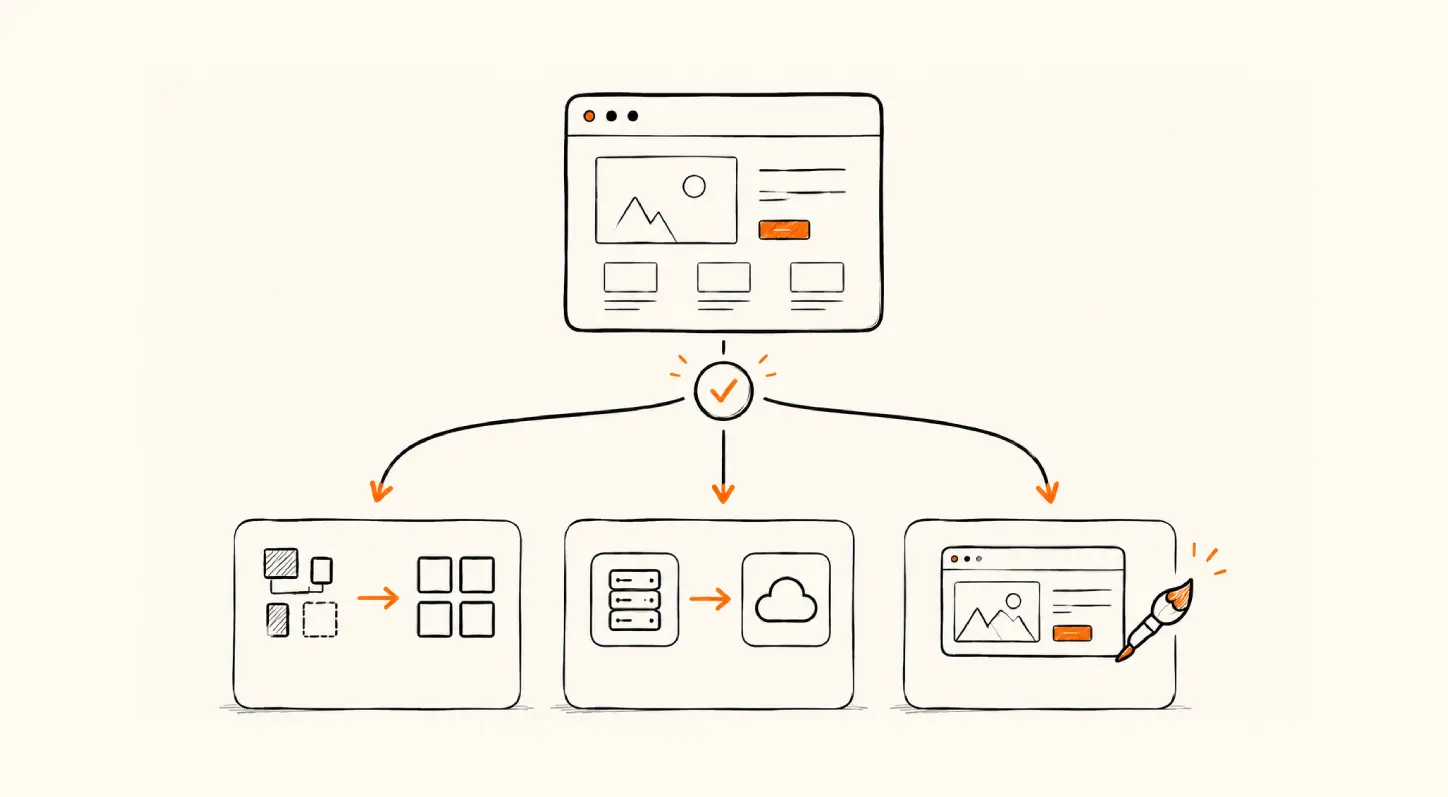
A redesign changes the look, layout, and sometimes the structure of your site, on the platform you already use. New visual design, new page templates, refreshed brand, better UX. The underlying platform and often the underlying architecture stay the same.
A redesign is the right call when the foundation is sound but the site looks dated or no longer reflects the brand, when the problem is genuinely visual or structural rather than technical, and when your team can already operate the current platform fine. It is the lowest-cost, lowest-disruption option, and when the foundation is healthy, it is often all you need.
It is the wrong call when the real problem is that the site is slow, hard to maintain, dev-gated, or built on a tangled architecture. A redesign on a broken foundation is lipstick on a structural crack. It looks better for a while, then the same problems resurface, because you never touched them.
What a replatform actually is
A replatform moves your site from one platform to another (WordPress to a new CMS, an old custom build to something modern, one hosted platform to another). The design may carry over largely intact; the point is the change of underlying technology.
A replatform is the right call when the platform itself is the constraint: it cannot scale, it is insecure, it is being sunset, or it traps your team behind developers for routine work. Moving to a platform your team can actually operate is a real fix for a real problem.
Here is the catch, and it is the heart of this article. Replatforming is the option teams repeat. They move to a new platform, do not fix the underlying content architecture or the team's ability to run it, hit the same walls 18 months later, and replatform again. Each move costs content-migration work, integration rebuilds, retraining, and a stretch of SEO volatility. The platform changes. The pain does not. (More on this below.)
What a rebuild actually is
A rebuild rebuilds the site properly from the foundation up: the architecture, the CMS structure, the components, the performance, and crucially the team's ability to operate it, usually on a platform built for marketing teams to evolve the site themselves. It can happen on a new platform (so it includes a migration) or on the same one done right this time.
A rebuild is the right call when the foundation itself is the problem and you do not want to keep paying to redo it. It costs more than a redesign and takes real effort, but it is the option designed to end the cycle rather than feed it. A rebuild done well means the next change is an iteration, not another full project.
This is Agota's bias, and we will be transparent about it: most teams that think they need to replatform actually need to rebuild once and then iterate, so they never have to replatform again. That is not always true (sometimes a redesign genuinely suffices, and sometimes a straight platform move is right), but it is true often enough to be worth saying plainly.
The decision: a simple framework
Run your situation through three questions, in order.
- Is the foundation sound (fast, secure, maintainable, your team can operate it) and the problem mainly how it looks? If yes, you need a redesign. Do not overspend on a rebuild you do not need.
- Is the platform itself the hard constraint (cannot scale, insecure, being sunset, dev-gated for everything)? If yes, you need to change platforms. The real question becomes whether you do a thin replatform (move and hope) or a proper rebuild on the new platform (move and fix the foundation).
- Have you been here before? If this is your second or third platform move in a handful of years, a thin replatform will not break the loop. You need a rebuild that fixes the architecture and the team's autonomy, not another migration.
See the comparison table below for the cost, disruption, SEO-risk, and timeline tradeoffs side by side.
The relative costs above turn into real numbers once you factor in what Webflow itself costs.
The 18-month replatform trap
Here is the pattern we see repeatedly, and the reason this article exists.
A marketing team inherits a site that is hard to work with. They replatform. For a while it is better. Then the content needs outgrow how the new site was set up, routine changes start going back through developers again, performance slips, and within a year and a half the site is once more "the thing we need to replace." So they replatform again. And again.
Two forces feed this loop. The first is that a replatform often moves the site without fixing the underlying architecture or giving the marketing team real operational control, so the same constraints regrow. The second is leadership turnover: the typical CMO tenure sits around four years (Spencer Stuart's 2025 study put S&P 500 CMO tenure at 4.1 years, and consumer-brand CMOs lower, around 3.5 years), and a new marketing leader frequently wants a new site. Add those together and many mid-market sites get torn up and moved on a roughly 18-month rhythm, each cycle paying the full tax of migration, integration, retraining, and SEO recovery.
The way out is not a better platform. It is a different decision. Rebuild the foundation once, on a platform your team can run day to day, and then iterate on it instead of replacing it. A site that the marketing team can evolve themselves does not become "the thing we need to replace," because they are continuously improving it rather than waiting until it is so painful it has to be thrown out. The goal is a website that outlasts the next two marketing leaders, not one that gets replatformed by each of them.
Watch out: If you are scoping your second or third platform move in four years, the platform was probably never the real problem. Moving again without fixing the architecture and your team's ability to run the site just buys you another 18 months before the same conversation.
How to choose for your situation
- Foundation healthy, just looks dated: redesign.
- Platform genuinely cannot do what you need, and this is the first move: replatform, but seriously consider doing it as a proper rebuild on the new platform so you only do it once.
- You have replatformed before and are back here again: rebuild, and fix the architecture and team autonomy this time, not just the platform.
- Unsure which: that is what an audit is for. The honest scoping question is "what is the actual problem," not "what does the new site look like."
GroundswellFAQ

Stefan Velikov is the founder of Agota Studio, a Webflow Premium Partner. He has helped 30+ teams across SaaS, fintech and B2B build Webflow sites their marketing teams can run and scale.
Let’s talk about what your website needs
Book a call with Stefan to talk through your project, explore what your website needs, and see how Agota Studio can help.
Custom Webflow sites we built to scale with the marketing team
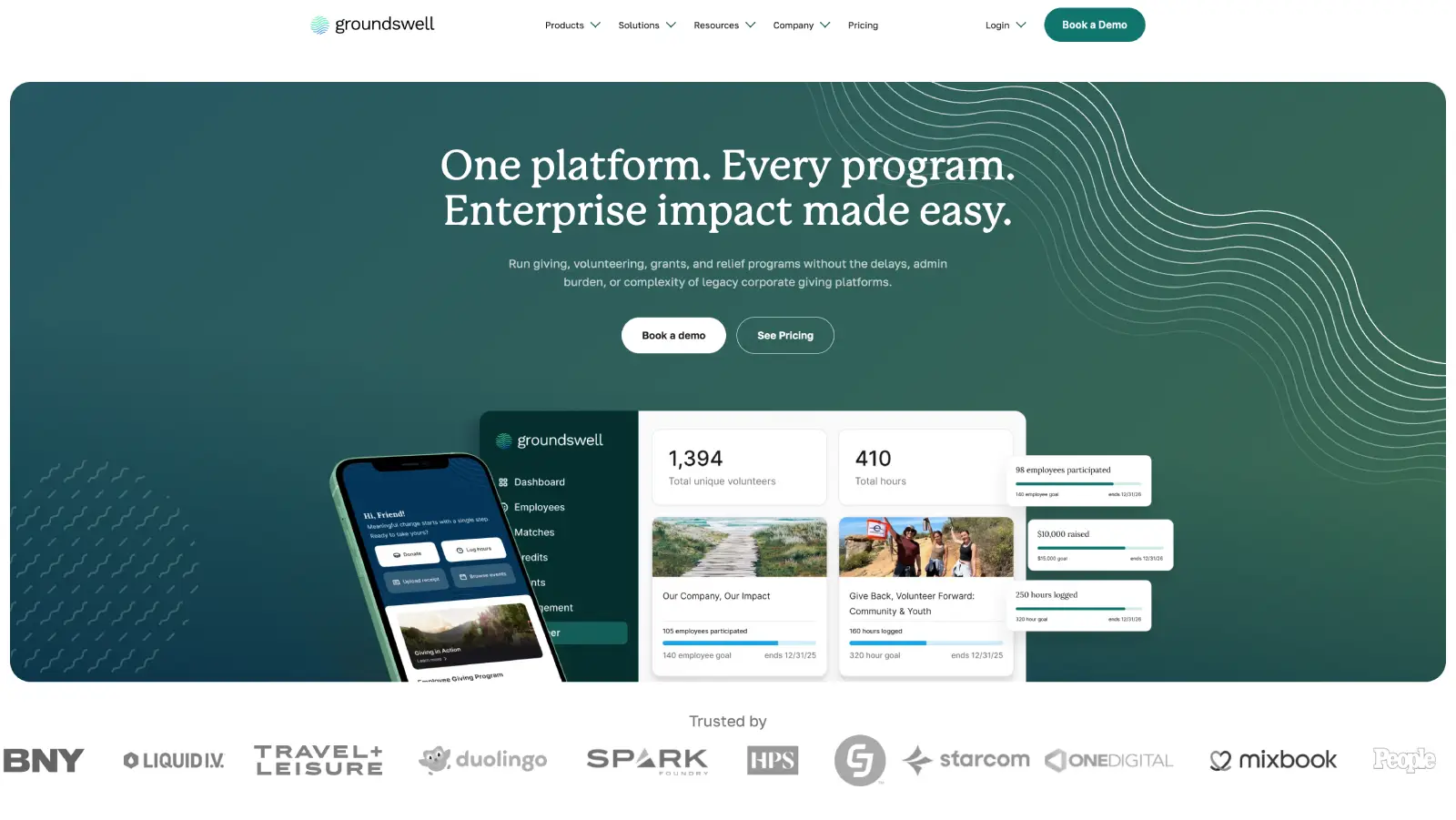
Groundswell: A rebuild the marketing team runs solo
What we achieved:
Marketing team now publishes 90% of pages without developer involvement.
Modular component library that scales as new campaigns launch.
Ongoing Webflow partnership.
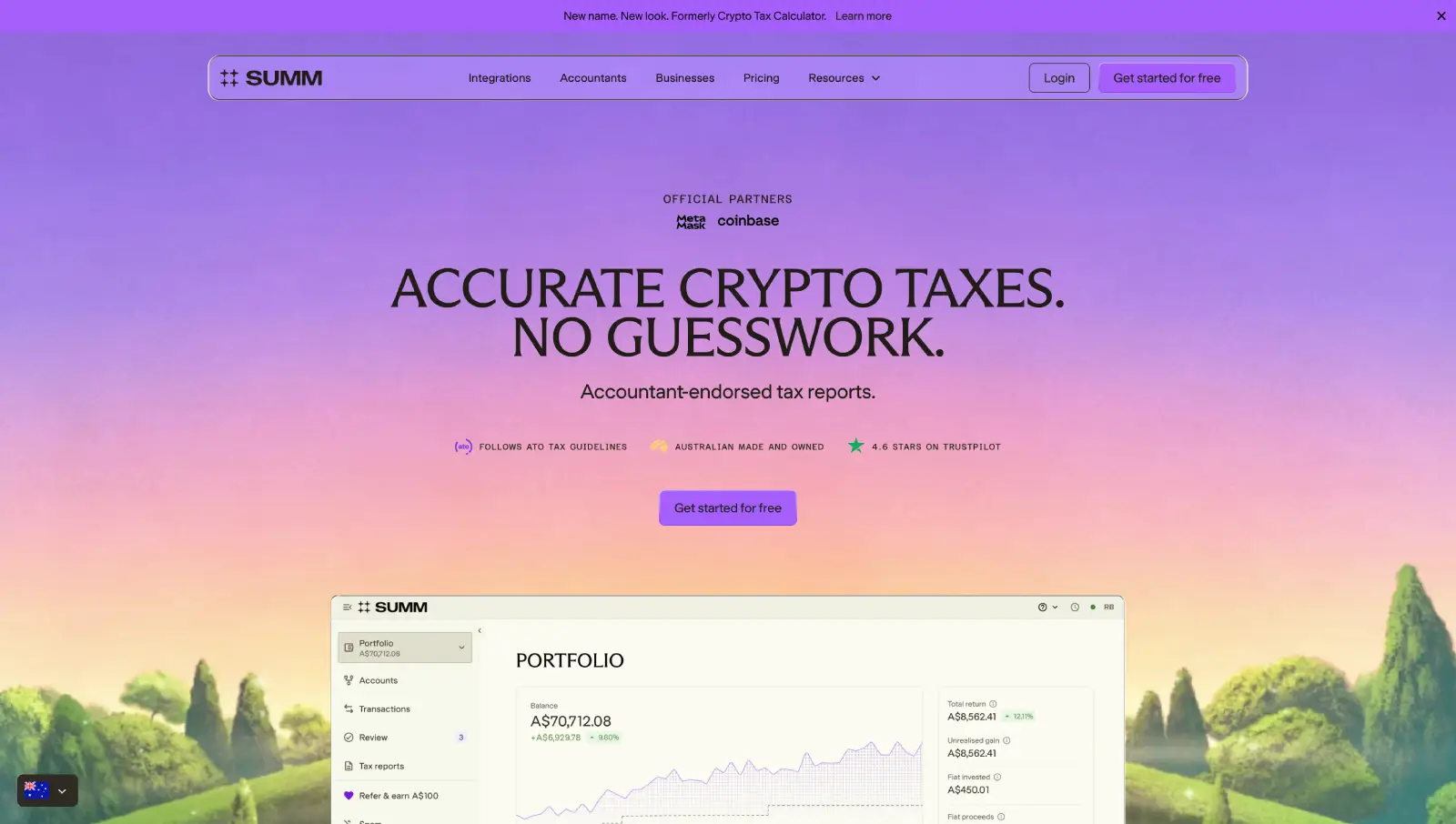
Building Australia's Top Crypto Tax Website
What we achieved:
Rebuilt the site for 25+ locales on a modular Webflow system.
Developed reusable page systems to accelerate new launches.
Partnered long-term to evolve the website alongside company growth.
Question
Text